Company Profile
Configure your company details that appear on invoices and customer-facing communications.
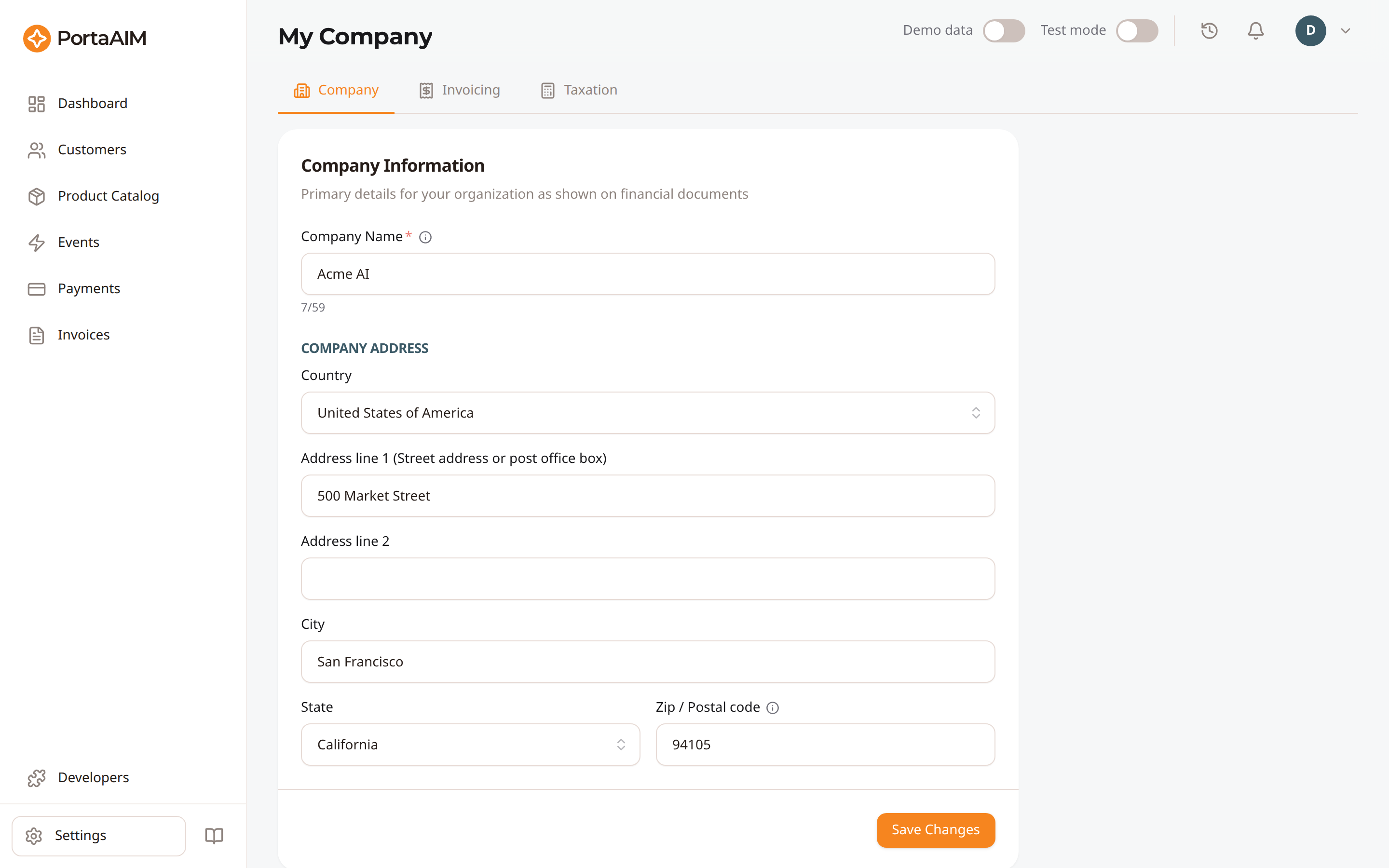
My Company → Company: the business details that appear on your invoices.
Accessing Company Settings
Navigate to Settings → Company or use the sidebar shortcut to My Company → Company tab.
Company Information
| Field | Description |
|---|---|
| Company name | Your legal business name (appears on invoices). At most 59 characters; emoji are not accepted. |
| Address line 1 | Street address |
| Address line 2 | Suite, floor, etc. (optional) |
| City | City |
| State/Province | Pick from the regions the billing engine has on file for the selected country. The field is unavailable for a country it has no regions for. Changing the country clears your previous choice. |
| Postal code | ZIP or postal code. Letters, digits, spaces and hyphens only, 2 to 10 characters. |
| Country | Country |
Saving Changes
- Update any fields
- Click Save
- A success notification confirms the update
Changes take effect on the next generated invoice. Existing invoices are not retroactively updated.
tip
Complete your company profile before generating any invoices. Missing company details result in incomplete invoice headers.